Product design / EdTech / Complex workflows
Adding one user shouldn't mean starting over.
I redesigned Kolibri’s facility user-management experience around continuous creation and bulk actions. Administrators could add successive users without restarting, then filter, enrol and manage groups in the same workspace.
Role
Senior Product Designer
Timeline
Aug 2022 – May 2026
Company
Learning Equality
01
From the whole roster to the right people
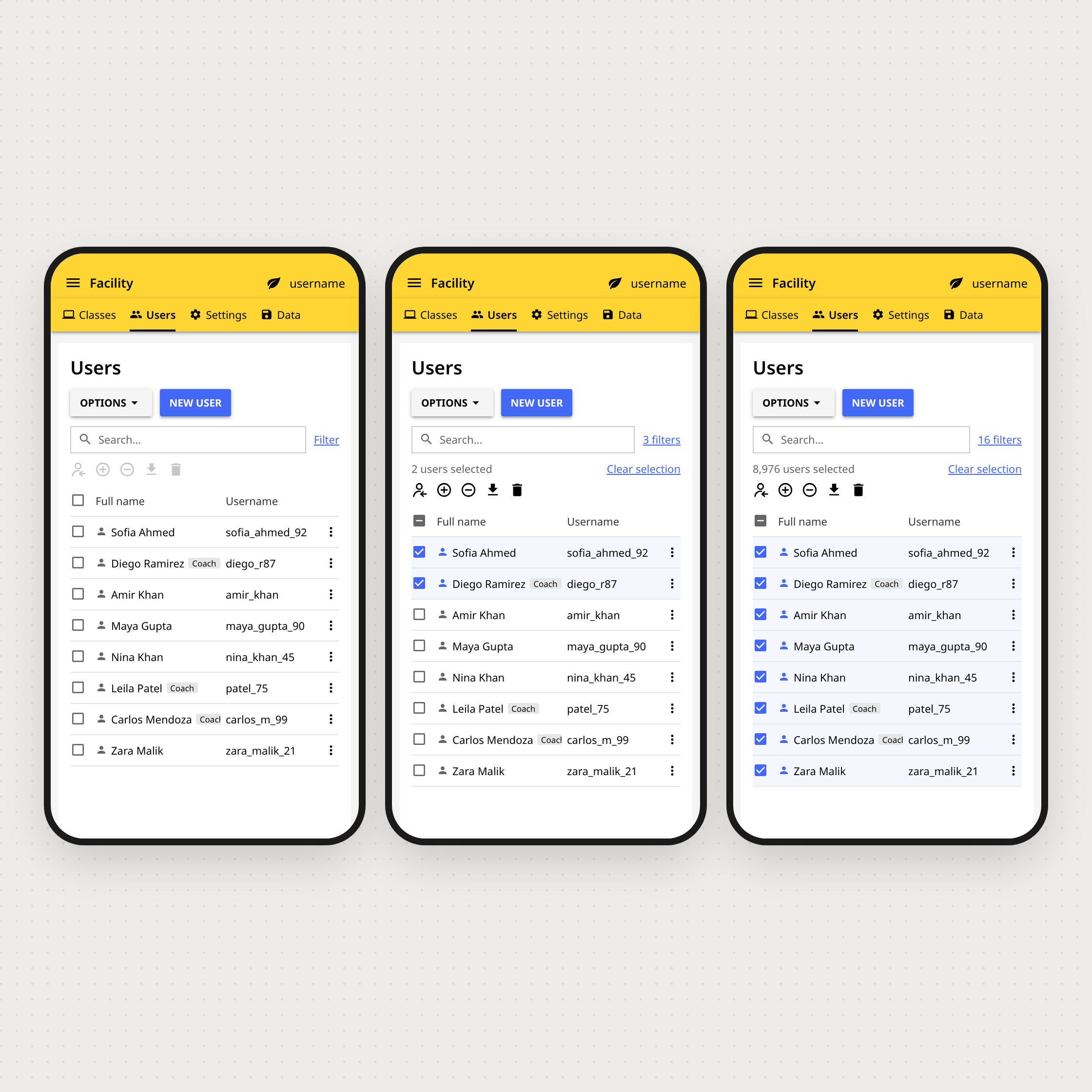
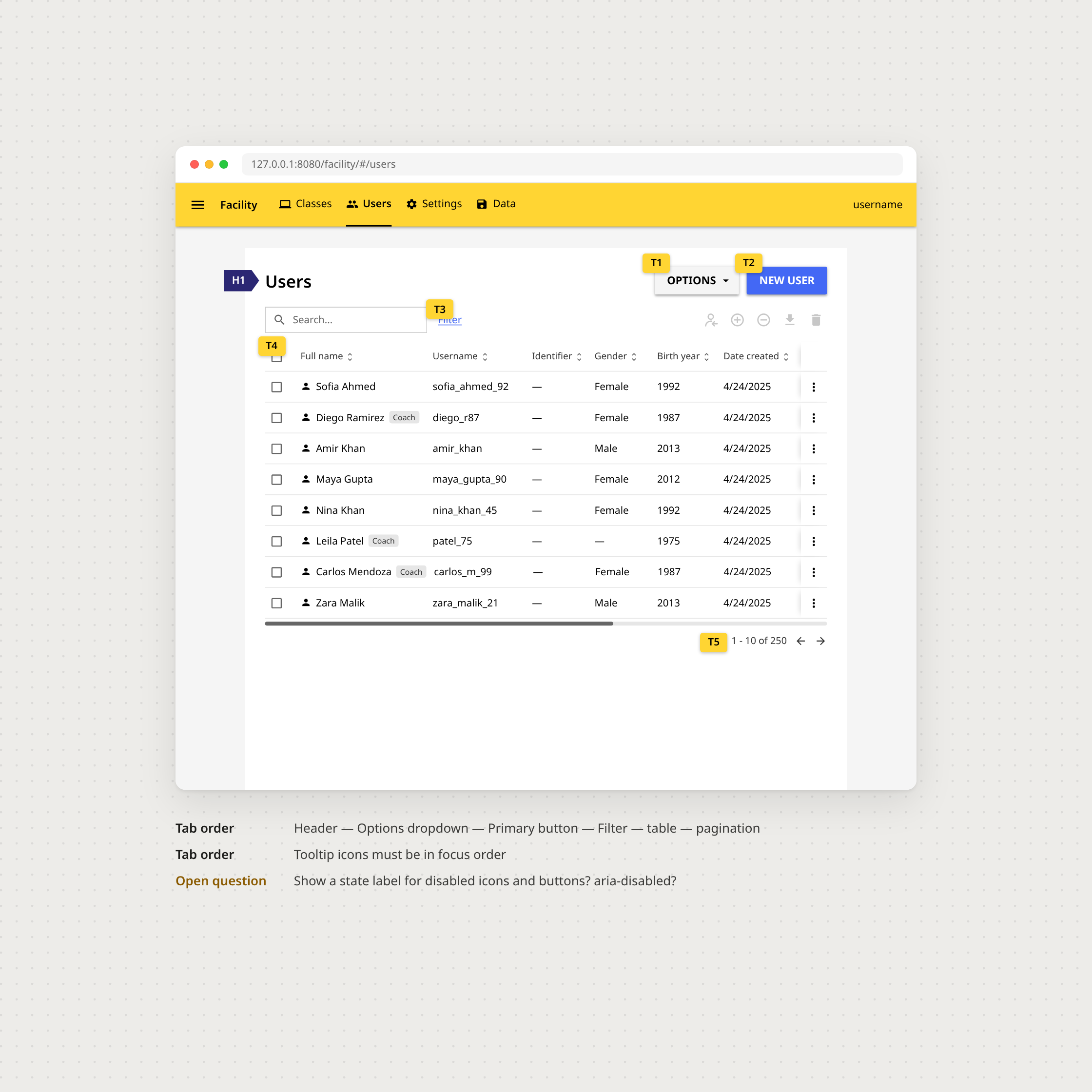
The redesigned Users workspace keeps selection, filtering and contextual actions together, so administrators can narrow a large roster without losing their place.
02
One action, many people
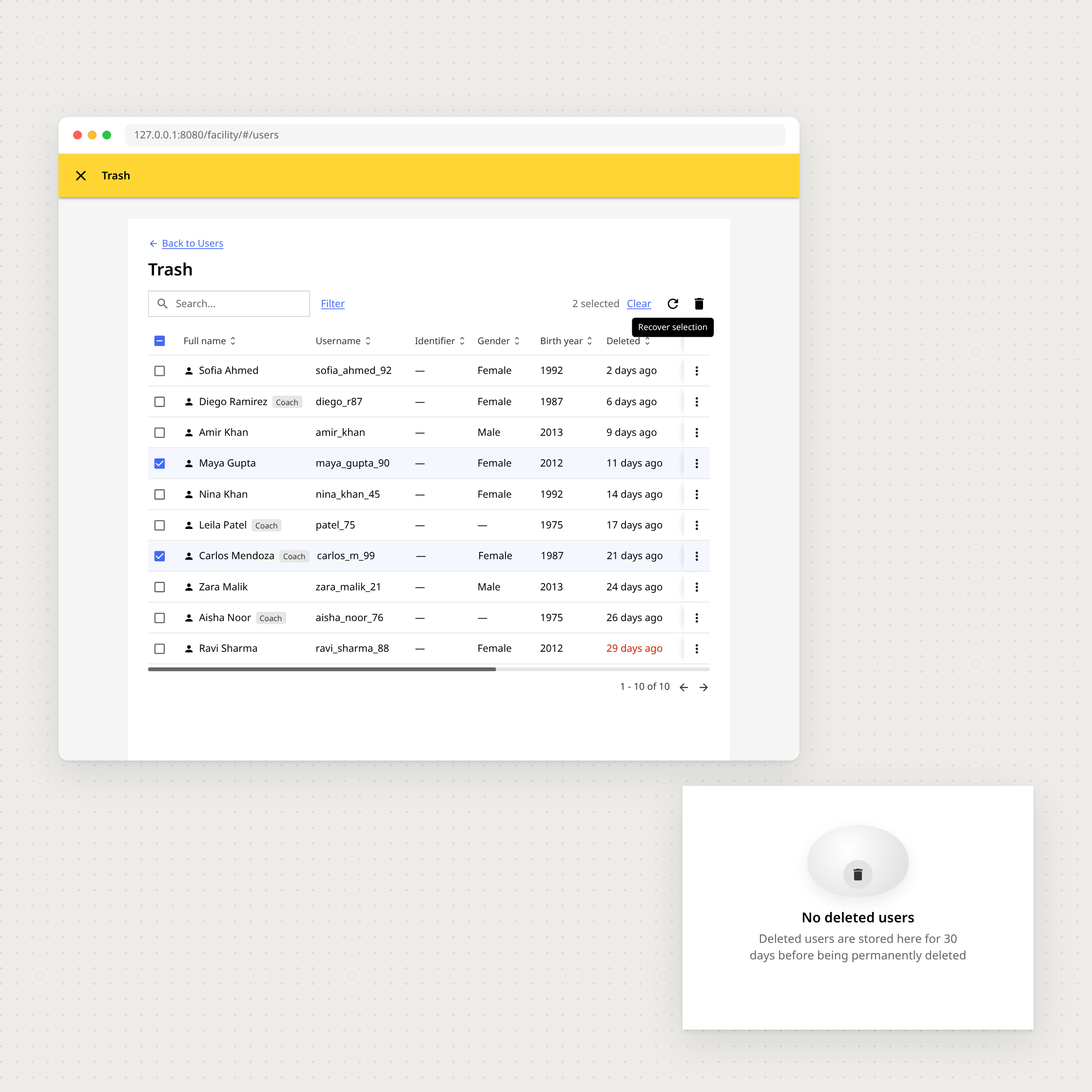
Enrolling or removing several users happens in one operation. Confirmation and Undo make those actions easier to review and recover.
03
Designed for the work after the action
The workflow also accounts for deleted accounts, smaller screens and keyboard navigation, where the details of administration matter.