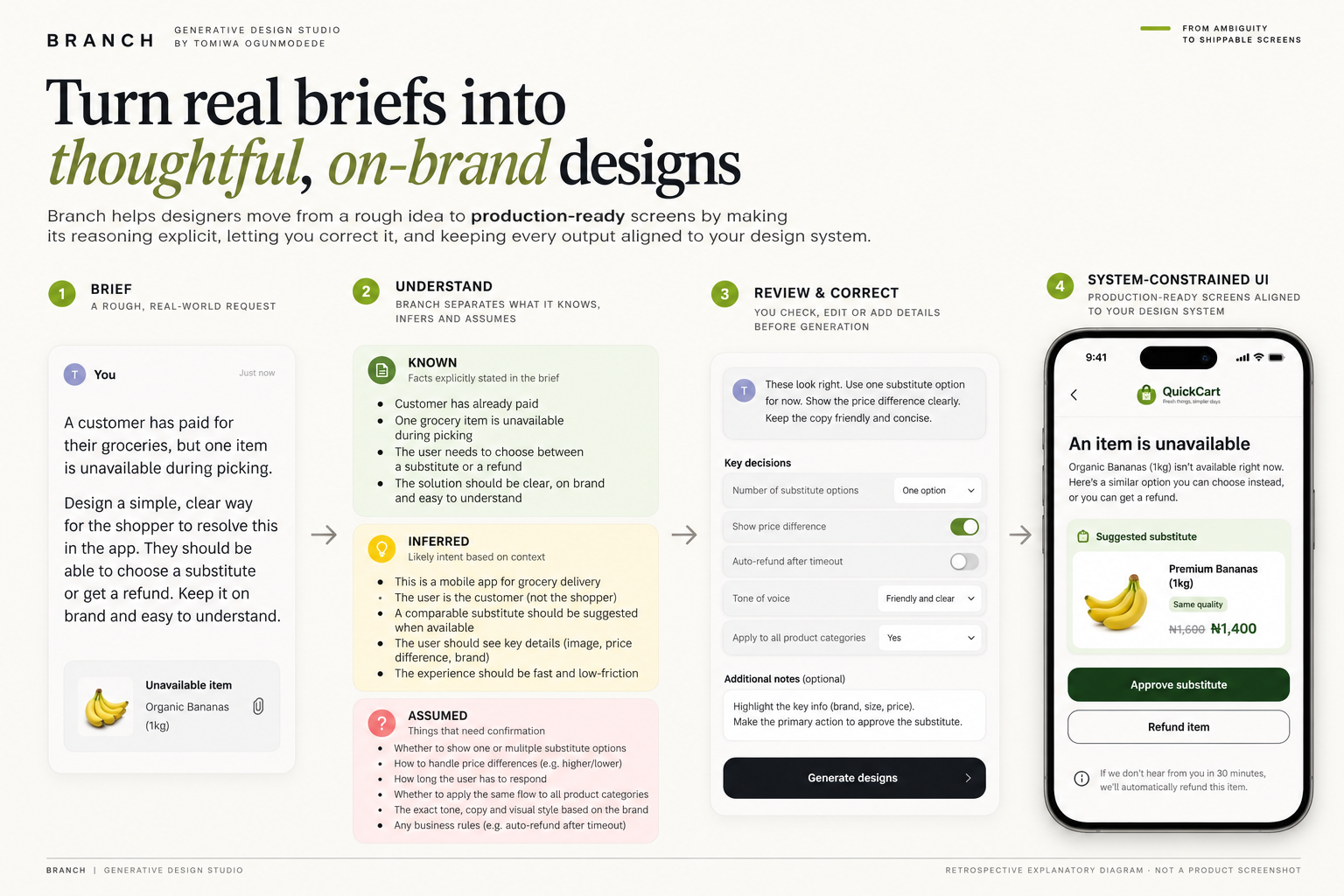
When the icon set has six clouds and no danfo.
Most mainstream icon libraries are very good at depicting a generic digital world and considerably worse at depicting the places, objects, clothing, food and routines familiar across African life. I started African Icon Library to make those references easier for designers to find and use.
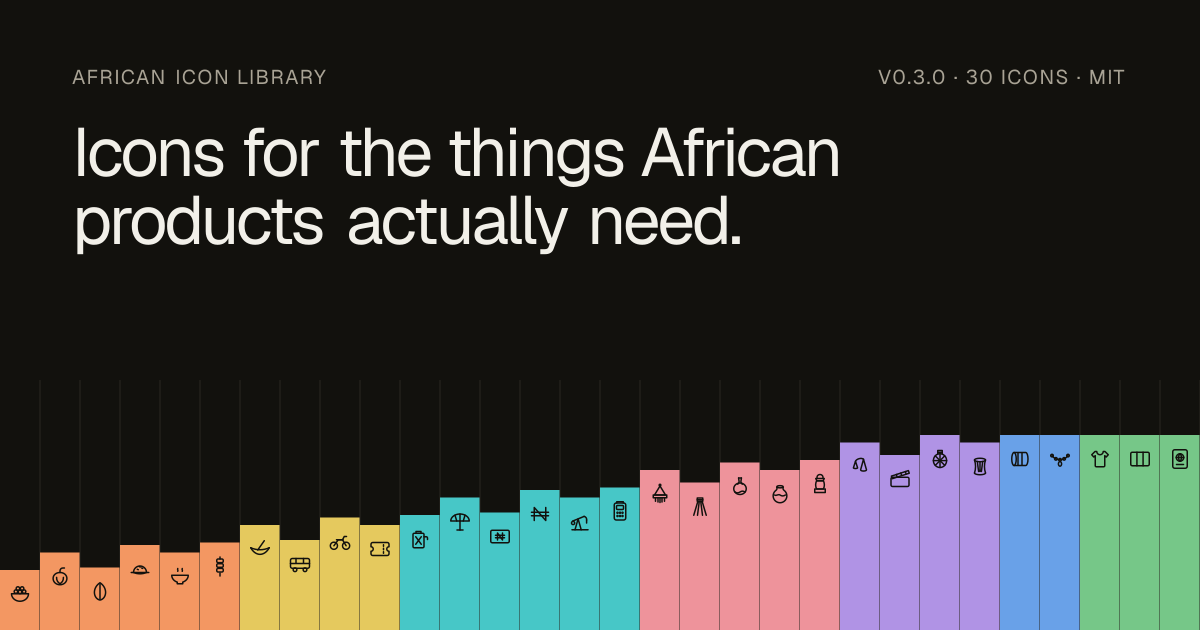
The gap in the default visual vocabulary
Designers working on African products routinely reach for the same global icon libraries. They cover the conventions of digital interfaces well, but many of the references that make African contexts recognisable are missing: local transport, food, clothing, market objects, household items and everyday routines.
That absence looks small until it repeats across products. Teams either substitute a generic symbol, redraw something from scratch or leave the idea out altogether. The result is a visual language that can be technically clear while still feeling detached from the world the product is meant to describe.
Build the references that were missing
I built African Icon Library around references that mainstream icon sets regularly miss: people, places, objects and everyday life. The aim is to make familiar African references available as ordinary, reusable design material.
Each icon has to work at interface scale, sit comfortably beside the rest of the set and remain useful outside the exact reference image that inspired it. That pushed the work toward a reusable visual vocabulary with consistent form, legibility and cultural specificity.


Treat it as a library, not a gallery
The project is open-source so designers can browse, reuse and extend the set across products. Organising the work as a library turns the illustrations into shared design infrastructure.
I judge each icon by three things: legibility at interface scale, consistency with neighbouring icons and enough specificity to carry the cultural reference while still belonging inside a product.
What the project is really about
African Icon Library is ultimately an argument about design infrastructure: the tools designers inherit shape what becomes easy to represent. Expanding that infrastructure with references drawn from African life makes those contexts easier to represent as part of everyday product design.
What V2 made possible
The library moved beyond a collection of SVGs. African Icon Library V2 is available through the searchable site at icons.neustackstudio.com, a Figma Community file and a Figma plugin. The point is to let a designer find an African reference and use it without reconstructing it every time.
Each new icon still has to be legible at interface scale, consistent with neighbouring shapes and recognizable in its cultural context. Publishing into three channels created another design requirement: the naming, export and layout have to stay consistent. Usage in real screens, plugin installs and library downloads are the next meaningful measures; no made-up adoption figures are attached to this release.
What actually shipped in V2
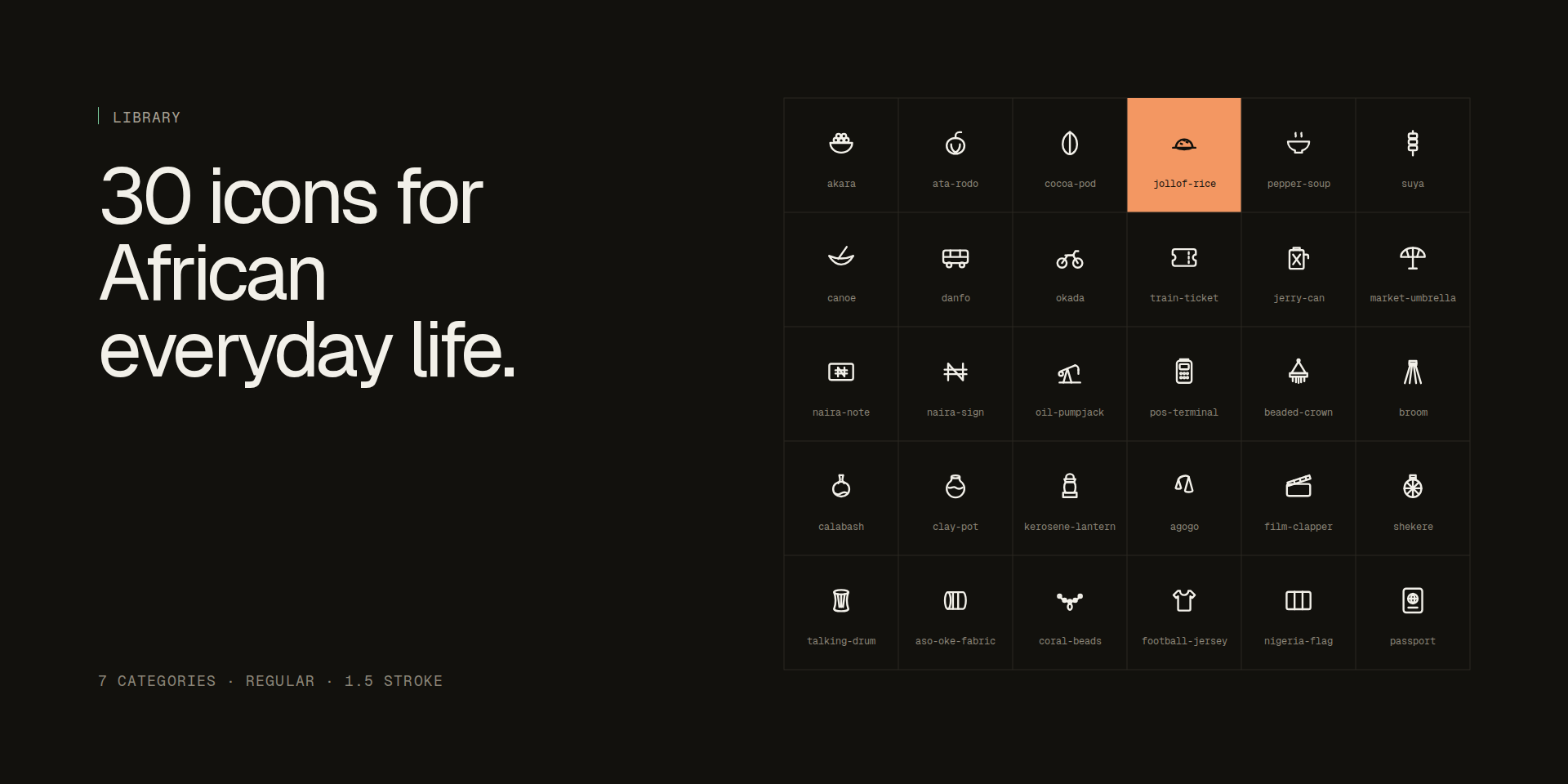
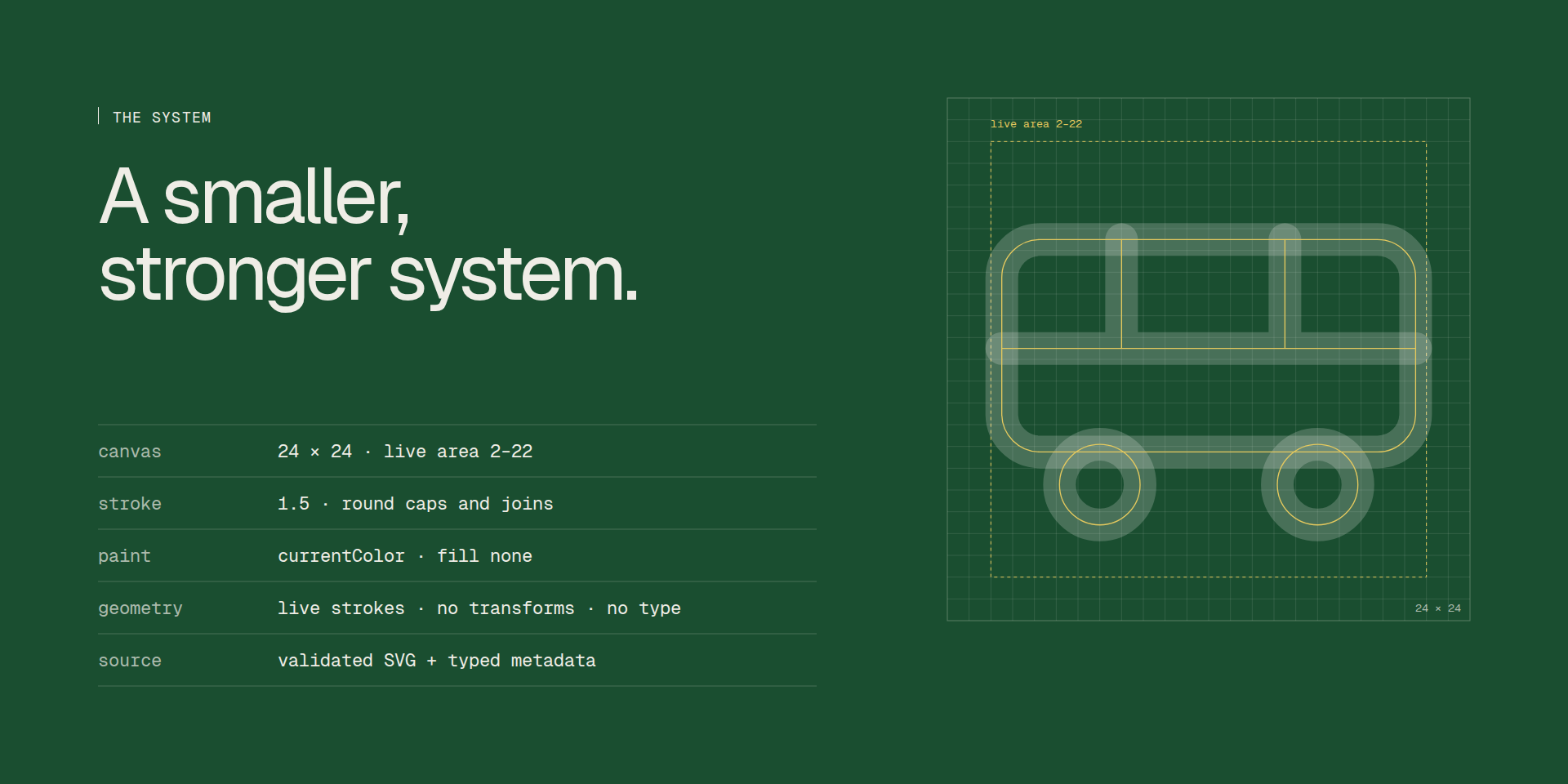
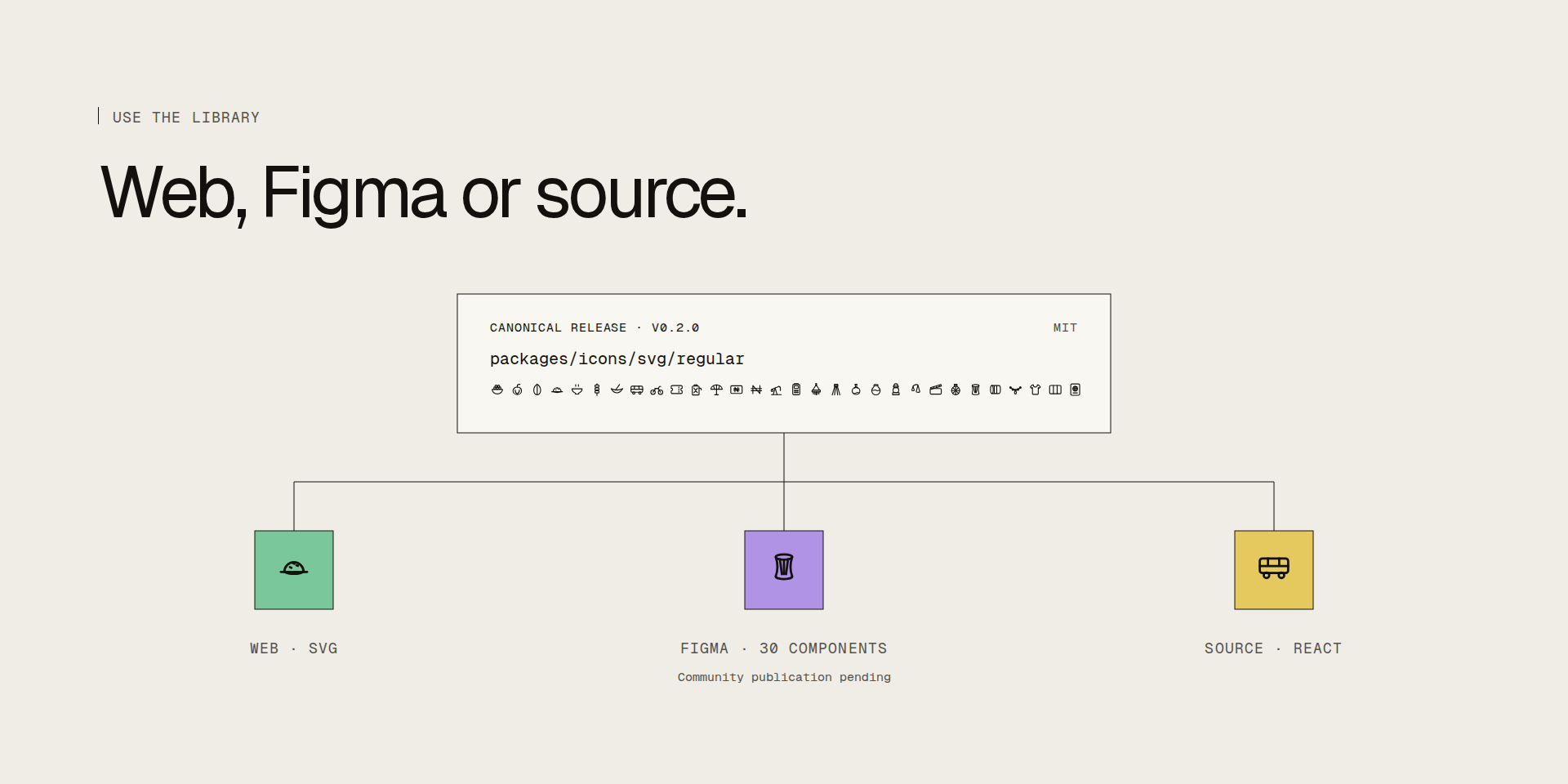
By 14 October 2026, the public release contains 30 icons organised in seven categories and 54 separately downloadable African country-map SVGs. The library uses a 24 × 24 grid, 1.5-stroke regular weight and currentColor so the drawings work at actual interface sizes. The source, zip downloads and searchable website all use the same released set.
The map expansion is deliberately not a decorative exercise. A country outline needs to hold its real proportions within a consistent line weight. The release groups those 54 shapes by African region and documents how disputed territories are represented.
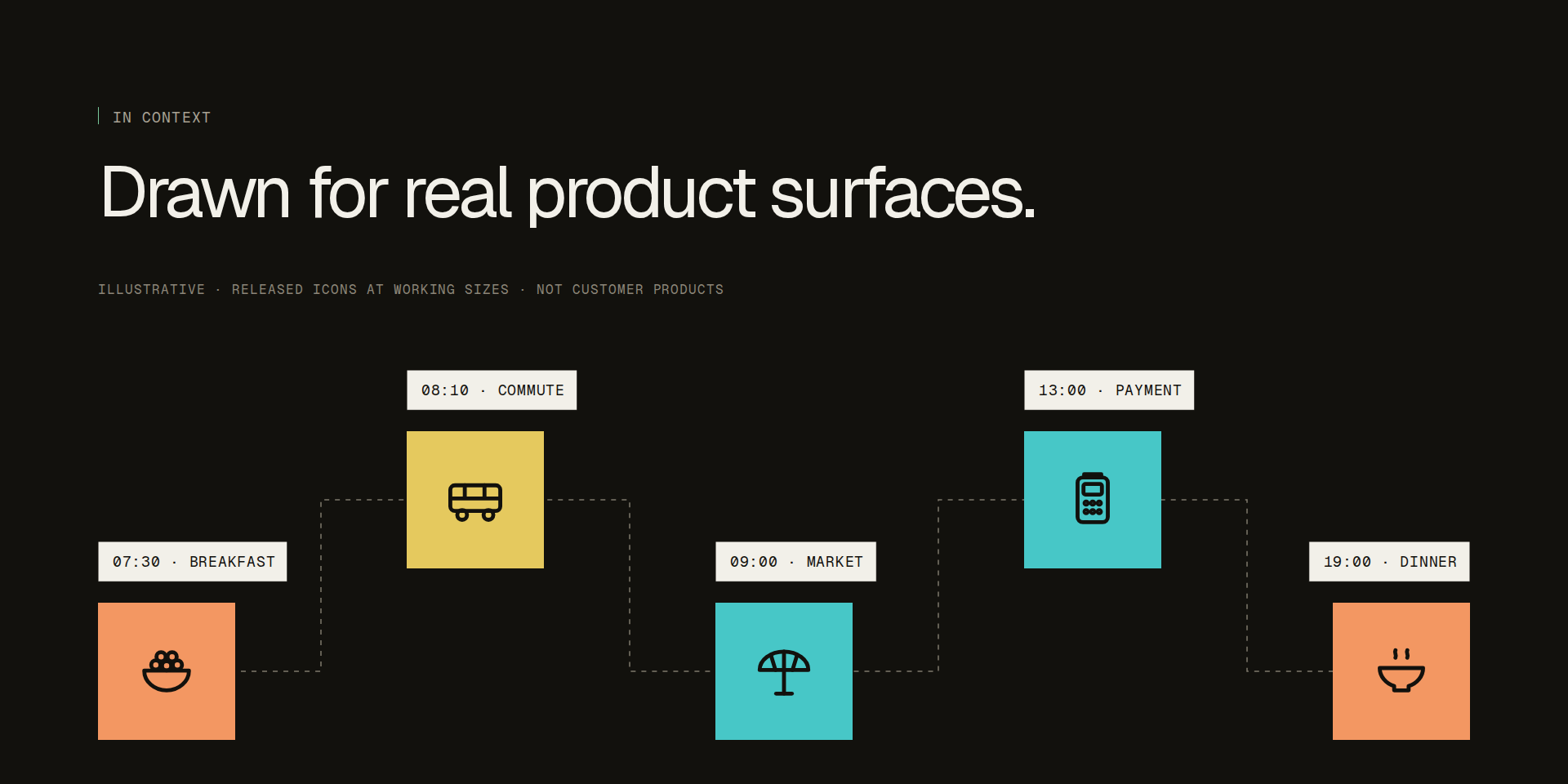
The public site also shows the icons in prototype menu, checkout, point-of-sale and civic interfaces. Those are labelled illustrative uses of shipped icons, not evidence of adoption by outside customers.
The Figma Community file and plugin are both live and their public pages were verified on 14 October 2026. The website's pending label was stale, so I corrected the source code to link the live file and plugin from the product's distribution section. The icon set in the Community file remains the canonical 30 released components.
Use the 30-component Figma Community file